Powerbeats Pro Wireless Earbuds Apple H1 Chip Class 1 Bluetooth Headphones-IVORY
Powerbeats Pro Wireless Earbuds Apple H1 Chip Class 1 Bluetooth Headphones-IVORY
Regular price
$329.99 USD
Regular price
Sale price
$329.99 USD
Shipping calculated at checkout.
Quantity
Couldn't load pickup availability
Powerbeats Pro Wireless Earbuds
- Apple H1 Headphone Chip, Class 1 Bluetooth Headphones, 9 Hours of Listening Time, Sweat Resistant, Built-in Microphone
More About this item:
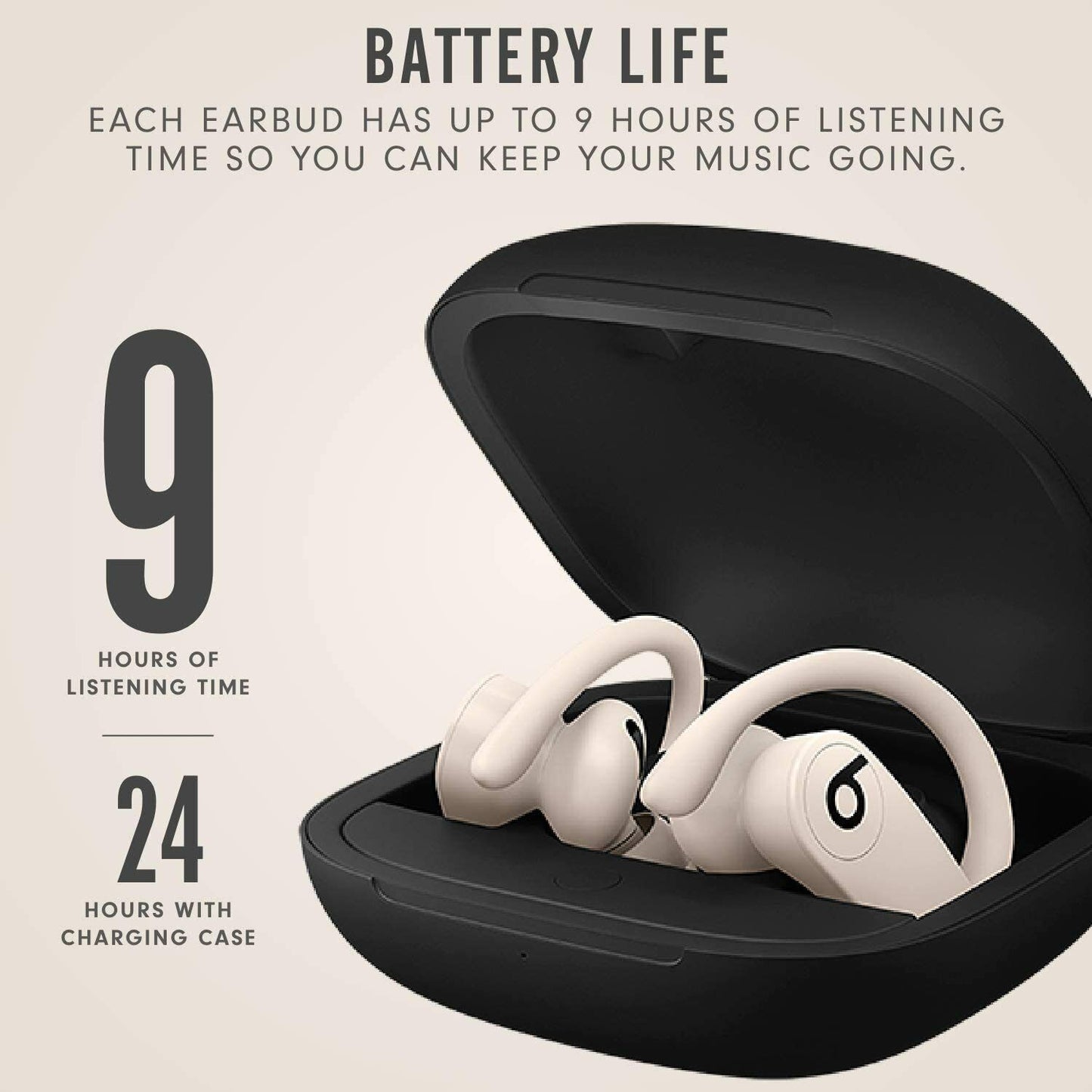
- Up to 9 hours of listening time (more than 24 hours with charge case)
- Adjustable, secure-fit ear hooks for lightweight comfort, stability
- Reinforced design for sweat and water resistance during tough workouts and running
- Protect your Beats with AppleCare+ - Add AppleCare+ to your order and receive accidental damage protection and 24/7 priority tech support from the people who know your headphones best
- Features the Apple H1 headphone chip and Class 1 Bluetooth for extended range and fewer dropouts
- Compatible with iOS and Android
- Enhanced phone call performance and call handling from either Earbud
Frequently Asked Questions;
How do I pair Powerbeats Pro with iPhone?
- With earphones seated in the case and lid open, hold near unlocked iPhone with Bluetooth® on and follow onscreen instructions. Ensure your iPhone has the latest iOS installed.
How do I pair Powerbeats Pro with an Android device?
- Download and connect. Visit the Google Play Store or scan the QR code to download the Beats app. Once the app is installed, open the case, and hold near the Android device.
How do I pair with additional Bluetooth® devices?
- With the earphones sealed in the case and lid open, press the system button until the LED blinks white. Then chose Powerbeats Pro in the Bluetooth® menu.
Can I control Powerbeats Pro from both earphones?
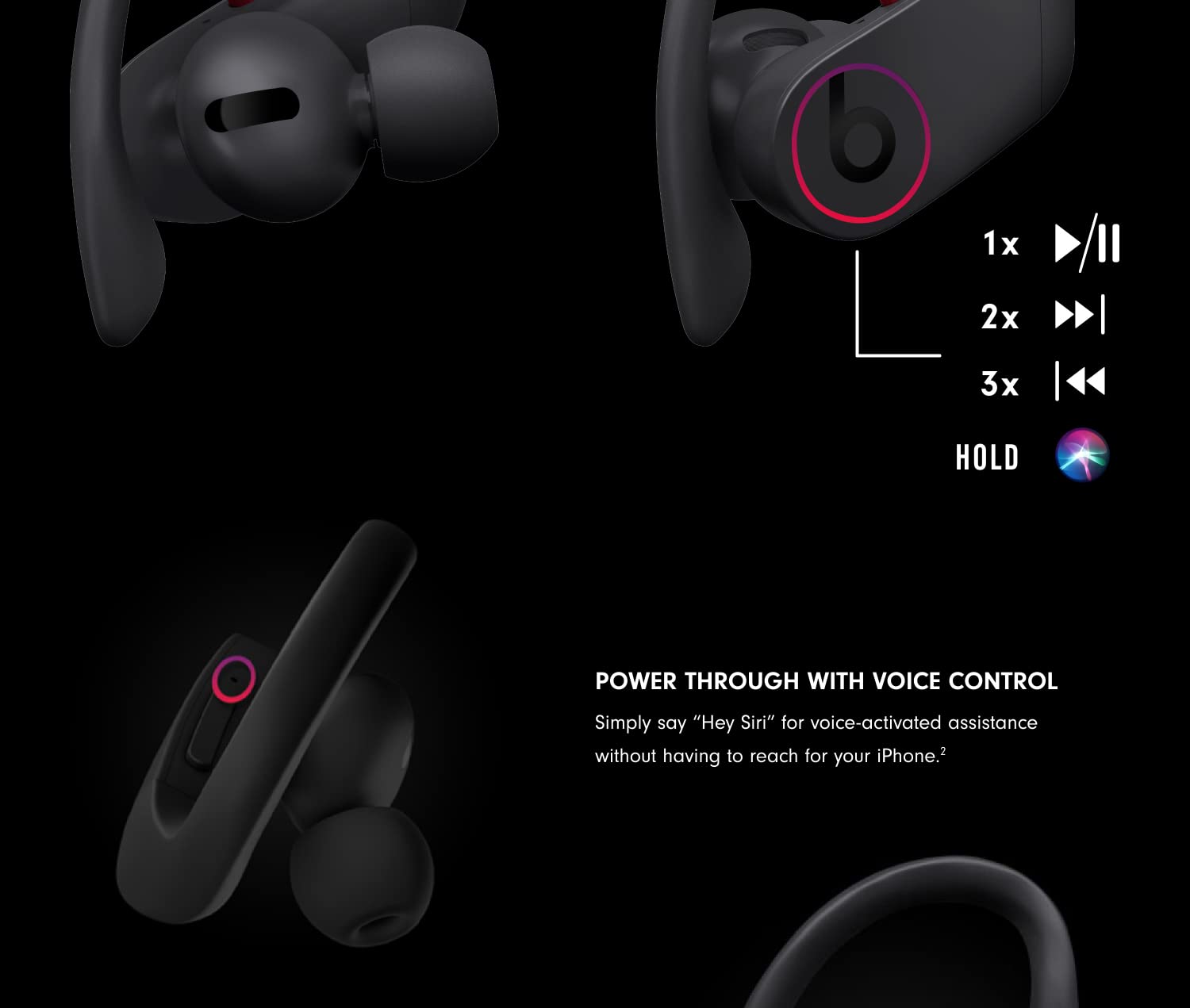
- Each earphone has full, mirrored controls. Use the ‘b’ button for call and track controls. The volume rocker is located on the top bridge.
How do I activate Siri or other voice assistants?
- Say “Hey Siri” or hold the ‘b’ button on either earphone to activate Siri or other compatible voice assistant devices.
How do I charge Powerbeats Pro?
- Powerbeats Pro are charging while seated in the case with the lid closed. Charge the case using the lightning cable.
How do I check the charge level?
- Check charge status on iPhone with latest iOS. With the product in case, open lid and hold near unlocked iPhone to check remaining charge on Powerbeats Pro.
How do I customize the fit of Powerbeats Pro?
- Find your fit with adjustable earhooks. For a more secure fit, hold the stem and firmly push the earhook down. Change eartips if necessary for improved comfort and sound quality.
Can I wear just one earbud?
- Yes - either earbud can be used on its own with up to 9 hours of battery life per earbud.
How do I pair with my iPhone or Android device?
- Powerbeats Pro is ready to pair right out of the box. For iOS devices, simply open the case and hold near your unlocked device. For Android devices, visit the Google Play store and download the Beats app for one-touch pairing. You can also simply use the Bluetooth menu in your device. For additional pairing, make sure you have your earbuds in the charging case. Open the case, and hold down the small circular button until the LED on the outside of the case begin to blink. This indicates your Powerbeats Pro are now ready to pair.
How waterproof / water resistant are these?
- Powerbeats Pro are rated IPX4, which means they are resistant to sweat and water splashing from any direction.
B07WBTX9FH149